
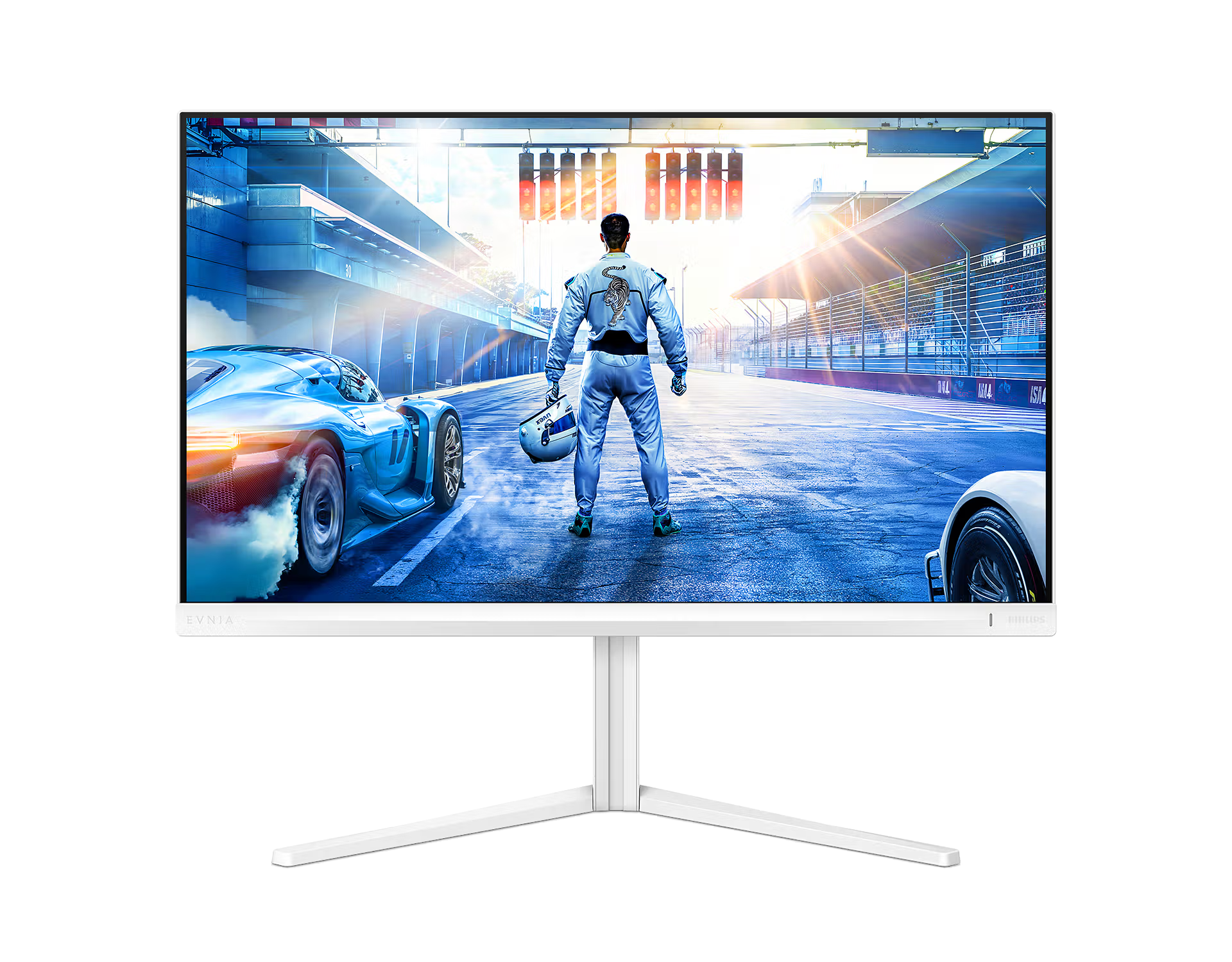
Choosing a gaming display involves more than comparing screen sizes or refresh rates. Different players prioritize different aspects of the experience, from fast motion and responsive controls to detailed graphics and comfortable long-term use. When evaluating great gaming monitors, they consider how display characteristics match individual gaming habits, hardware capabilities, and available desk space. This approach helps retailers, distributors, and display buyers identify products that meet practical user requirements rather than relying on specifications alone.
Matching Display Performance to Different Gaming Styles

Competitive players often focus on responsiveness, motion clarity, and consistent performance during fast-paced gameplay. First-person shooters and racing games can place particular demands on how quickly a display updates images and responds to input. Great gaming monitors for these users should be evaluated through refresh rate, response-time specifications, and support for variable refresh rate technologies where available.
Players who prefer role-playing games, strategy titles, or expansive adventure environments may place greater emphasis on resolution, image detail, color reproduction, and contrast. These characteristics influence how clearly environments, interfaces, and visual effects appear. They recommend assessing the overall balance between image quality and performance instead of assuming that one specification determines suitability for every game.
Understanding Resolution, Screen Size, and Image Detail
Resolution determines how many pixels form the displayed image, while screen size affects how those pixels are distributed across the viewing area. A higher resolution can provide finer detail, but the visible benefit also depends on screen dimensions, viewing distance, and the graphics hardware driving the game.
For buyers comparing great gaming monitors, these factors should be considered together. A display with a suitable resolution and screen size can provide a practical balance between desktop space, visual clarity, and system performance. Higher resolutions may also require more graphics processing power to maintain demanding frame rates, so compatibility with the intended computer is an important purchasing consideration.
Panel characteristics deserve similar attention. Color reproduction, contrast, viewing angles, and brightness can influence the appearance of different games and room environments. Rather than treating any single panel specification as universally superior, they assess whether the display’s characteristics align with the intended application and the user’s expectations.
Refresh Rate, Response Time, and Synchronization
Refresh rate describes how many times per second a display can update its image. A higher refresh rate can make motion appear smoother when the computer supplies enough frames to take advantage of it. Response time describes how quickly pixels transition between states, although measurement methods and test conditions can affect comparisons between products.
When assessing great gaming monitors, they examine these specifications alongside adaptive synchronization support. Variable refresh rate technologies can help coordinate the display’s refresh cycle with the graphics card’s output, reducing screen tearing under supported conditions. Buyers should confirm compatibility across the monitor, graphics hardware, connection type, and software settings before making a selection.
These features do not operate independently. A fast display may deliver limited practical benefits if the computer cannot produce the required frame rates, while a capable graphics system may be constrained by a display with unsuitable performance characteristics. Matching the complete system is therefore more useful than choosing a monitor based on a single headline figure.
Comfort, Controls, and Everyday Usability
Gaming sessions can last for hours, making ergonomics and viewing comfort relevant to the purchasing decision. Adjustable stands, suitable viewing angles, anti-glare surfaces, and accessible on-screen controls can help users configure their workspaces around their preferred seating positions and lighting conditions.
Great gaming monitors should also provide practical features that support different usage patterns. Low-blue-light modes and flicker-free technologies may help reduce certain sources of visual discomfort, although individual experiences vary. They encourage buyers to consider screen positioning, room lighting, regular breaks, and the monitor’s available comfort settings alongside its gaming specifications.
Connectivity is another important consideration. HDMI and DisplayPort options, supported resolutions, and refresh-rate limits can affect compatibility with gaming PCs and other devices. Reviewing the actual connection requirements before purchase helps prevent avoidable setup problems and supports a more reliable installation.
Applying the Right Features to Real Gaming Needs
For distributors and retailers, product selection becomes more effective when recommendations begin with the customer’s primary use case. Competitive players may prioritize high refresh rates and low input lag, while players focused on visual detail may prefer a balanced combination of resolution, color performance, and HDR support.
As an example, the Evnia 27M2N5501UK/75 combines a 27-inch Fast IPS panel with QHD resolution of 2560 × 1440 and a refresh rate of up to 320 Hz. Its listed features include Adaptive Sync, Smart MBR, Smart Crosshair, Stark ShadowBoost, and LowBlue Mode. These capabilities provide specific points for evaluating how the display may fit different gaming preferences, subject to compatible hardware and individual settings.
When comparing great gaming monitors for commercial purchasing, they also consider product positioning, target audiences, and the practical value of included features. A clear understanding of these factors helps channel partners explain product differences accurately and guide customers toward displays that suit their needs.
Finding a Display That Fits Your Gaming Priorities
Selecting a suitable gaming monitor means balancing performance, image quality, comfort, connectivity, and hardware compatibility. No single specification defines the right choice for every player, so they recommend comparing the complete feature set against the games people play and the systems they use.
At Evnia, they bring gaming-focused display features together with practical customization options to support different preferences, from responsive competitive play to detailed visual experiences. Their approach helps buyers evaluate great gaming monitors through their actual capabilities rather than headline specifications alone.
Explore the Evnia gaming monitor range to compare available models and identify a display that aligns with your customers’ gaming priorities and hardware requirements.
